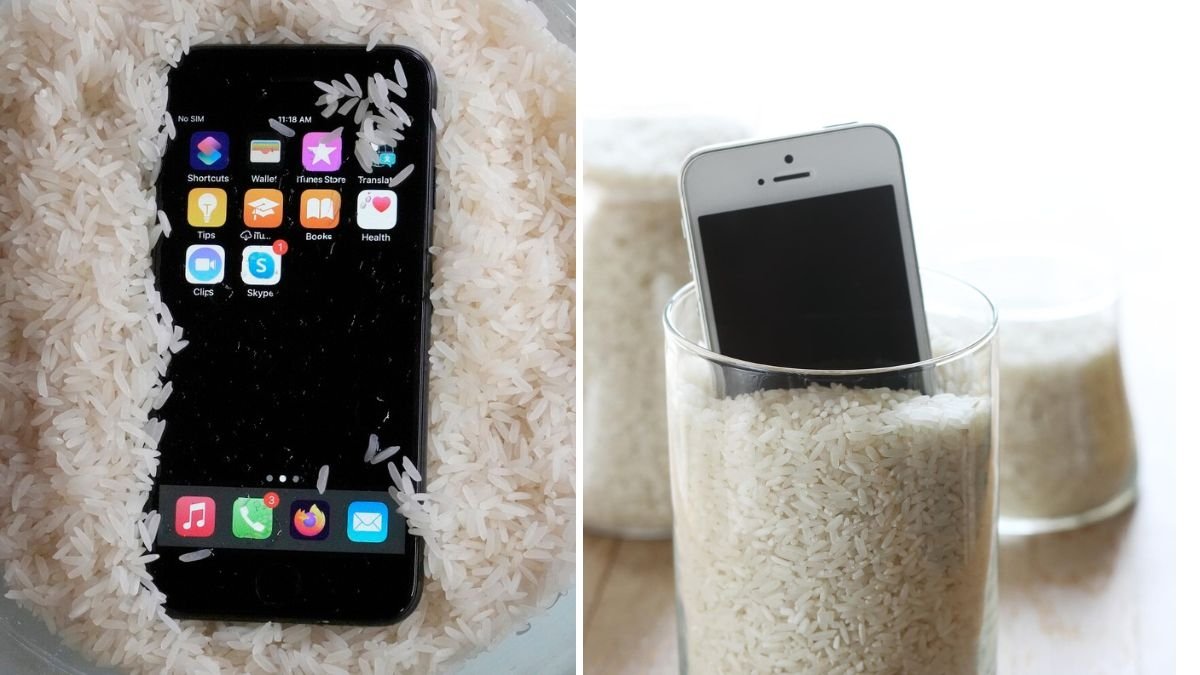
It happened on a perfectly ordinary afternoon — I dropped my phone straight into a sink full of water. My heart sank with it. Like most people, my phone is practically glued to my hand — photos, messages, notes, passwords — everything is in there. Losing it wasn’t just inconvenient; it felt like losing a part of my life.
Panicked, I did what most of us would do: I Googled “what to do when your phone gets wet.” And sure enough, the most common advice popped up — put it in rice.
Everyone has heard this classic trick at least once. Supposedly, uncooked rice absorbs moisture and can rescue a water-damaged phone. With nothing to lose, I decided to try it. I grabbed a bag of rice, buried my phone in it like a treasure, and waited.
What happened next was not exactly what I expected. While rice did help in some ways, I learned a lot more about how water damage really works — and what actually saves a wet phone. Here’s what I discovered, step by step, and what I’d do differently next time.
The Moment of Panic: What I Did First
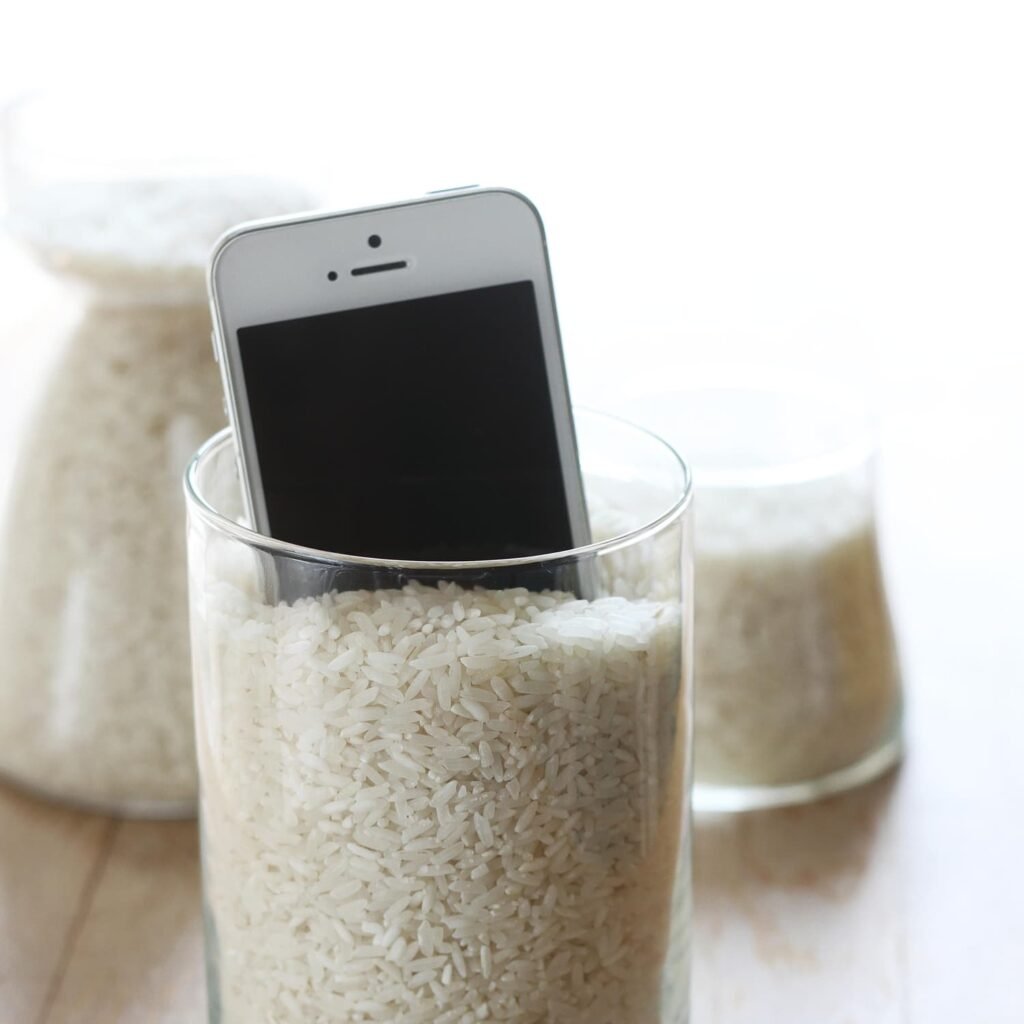
When I saw my phone sink under water, I instinctively pulled it out as fast as I could. It was only submerged for a few seconds, but even that can be enough to cause serious damage.
Here’s what I did — and what you should do if this ever happens to you:

- Immediately power it off.
Don’t even try to see if it still works. Turning on a wet phone is one of the worst things you can do. Electricity and water don’t mix — it can short-circuit the internal components instantly. - Remove everything you can.
I took off the case, removed the SIM card, memory card, and wiped the surface with a towel. The idea is to eliminate as much external moisture as possible right away. - Resist the urge to charge it.
Even if your phone looks fine, plugging it in can cause permanent damage. Patience is key here.
That’s when I remembered the rice trick — and decided to put it to the test.
The Famous Rice Trick: Myth or Miracle?
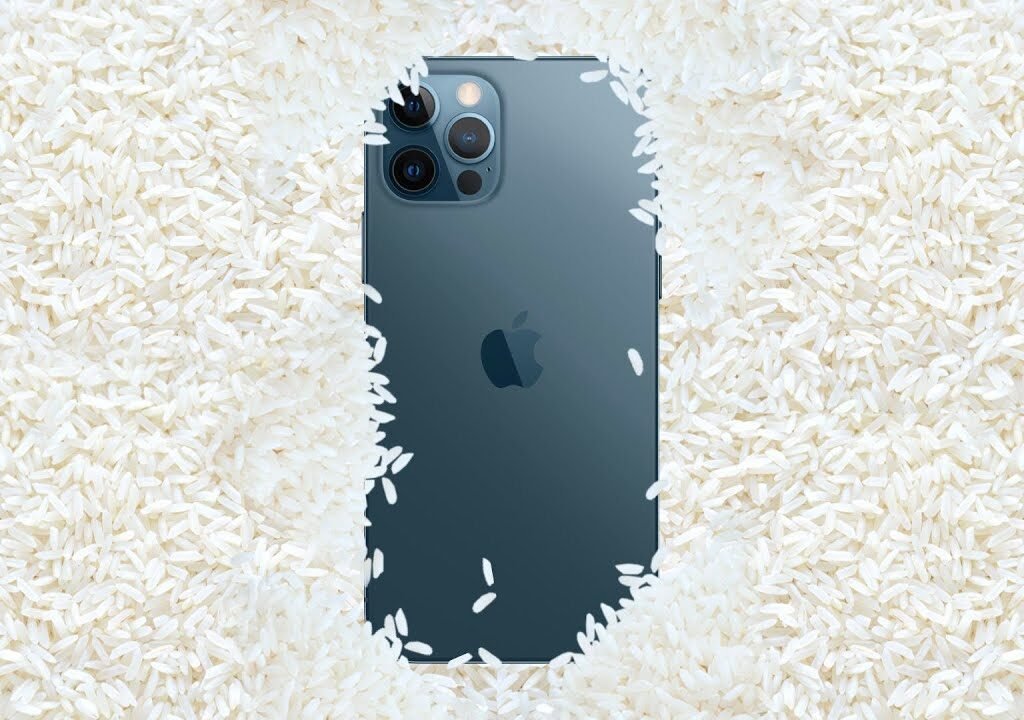
So, I poured a bowl of uncooked white rice, placed my phone inside, and made sure it was completely covered. Then came the hardest part — waiting.
Most online advice suggests leaving it for at least 24 to 48 hours. I left it for two full days, resisting every urge to check it. When I finally took it out, I held my breath and powered it on.
To my relief, the screen lit up! The phone worked. The buttons responded, and the touch screen seemed fine. I was convinced the rice had saved my phone.
But a few days later, I noticed some strange issues — the speaker sounded muffled, and the charging port occasionally refused to connect. That’s when I learned that while rice might help, it isn’t the miracle fix it’s often made out to be.
What Rice Actually Does (and Doesn’t Do)
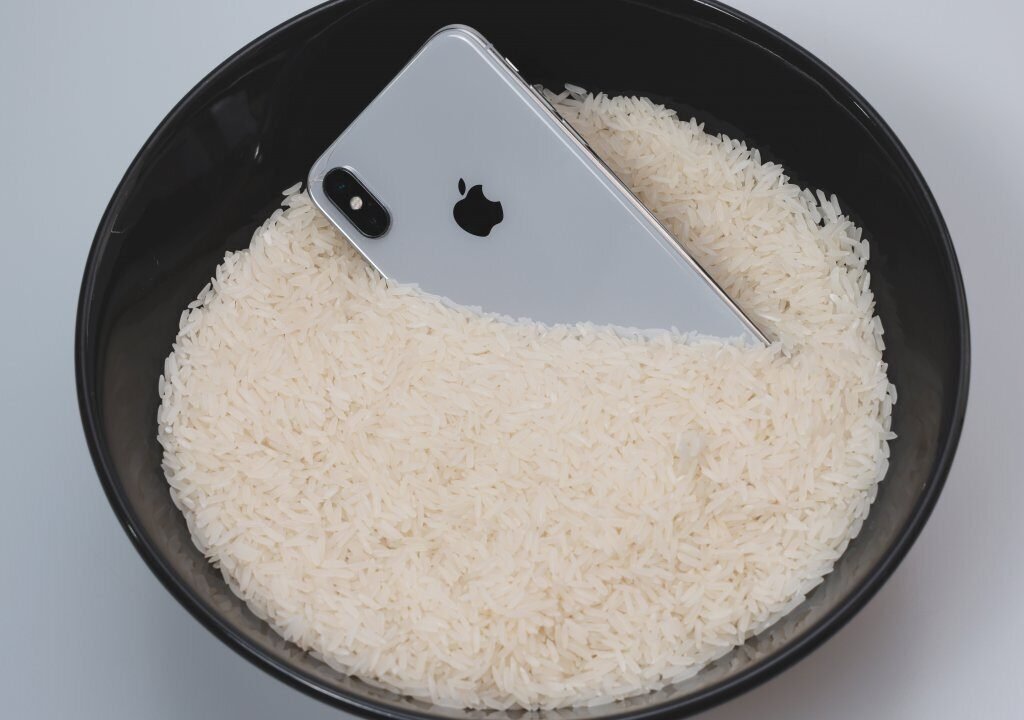
Rice is slightly absorbent — it can soak up some moisture from the air, but not nearly enough to pull water out of a device efficiently.

What Rice Does Well:
- It can help draw surface moisture away from your phone.
- It provides a dry environment for the device to rest in.
- It gives you a reason to leave your phone alone for a while (which is actually a good thing).
What Rice Doesn’t Do:
- It doesn’t reach the water trapped inside your phone’s tiny components.
- It can’t dry out moisture under the screen or behind the circuitry.
- It sometimes leaves rice dust or starch particles inside the ports — which can make things worse.
So, while rice didn’t completely fail me, it also didn’t fully save my phone. It simply slowed down the damage long enough for me to take better action.
What You Should Actually Do When Your Phone Gets Wet
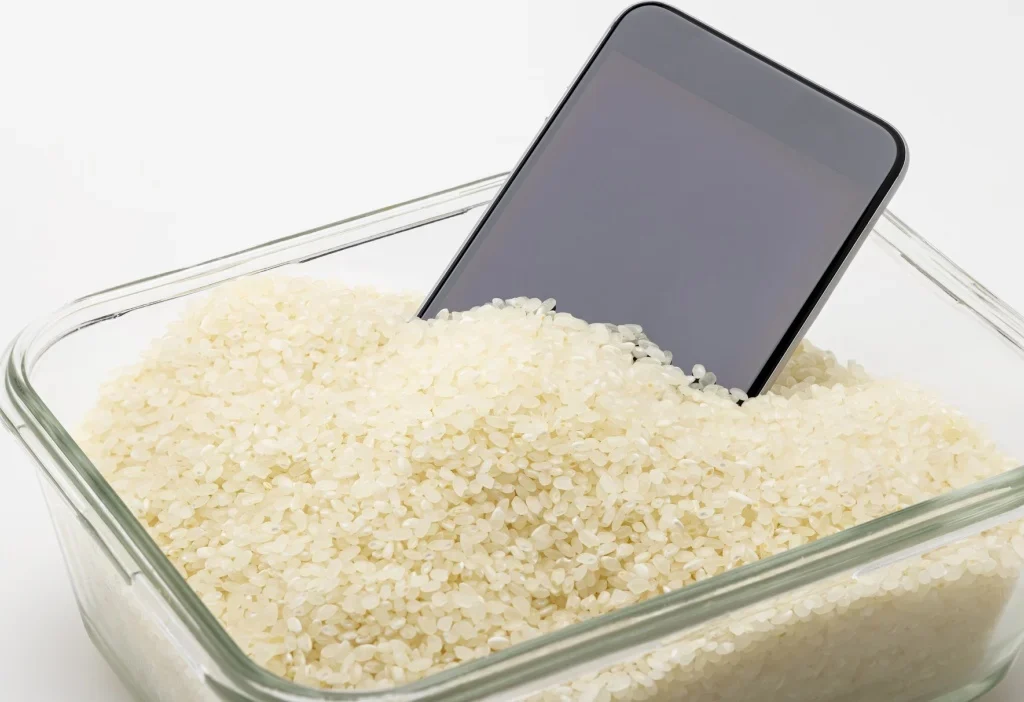
If I could go back, I’d follow these steps instead — the proper way to rescue a wet phone.
1. Turn it off immediately.
This step is non-negotiable. Even a few seconds of running electricity through a damp circuit can destroy it permanently.
2. Remove external parts.
Take off any covers, SIM trays, and accessories. Gently pat the device dry with a soft towel or cloth — never shake it or blow air directly into ports.
3. Skip the rice — use silica gel instead.
You know those little packets labeled “Do Not Eat” that come with shoes, electronics, or snacks? Those are silica gel packets, and they’re far more effective at absorbing moisture than rice.
If you have several of them, place your phone and the packets together in an airtight container or ziplock bag. Leave it for 24–48 hours.

4. Try the “air-dry and patience” method.
If silica gel isn’t available, simply leave your phone in a warm, dry area (not under direct sunlight or near a heater). A fan blowing gently nearby can help. Let it rest for at least two days before turning it on.
5. If possible, seek professional help.
Many tech repair shops have special vacuum dryers designed to pull moisture out of devices safely. If your phone is valuable or recently bought, this is your best option.
What NOT to Do
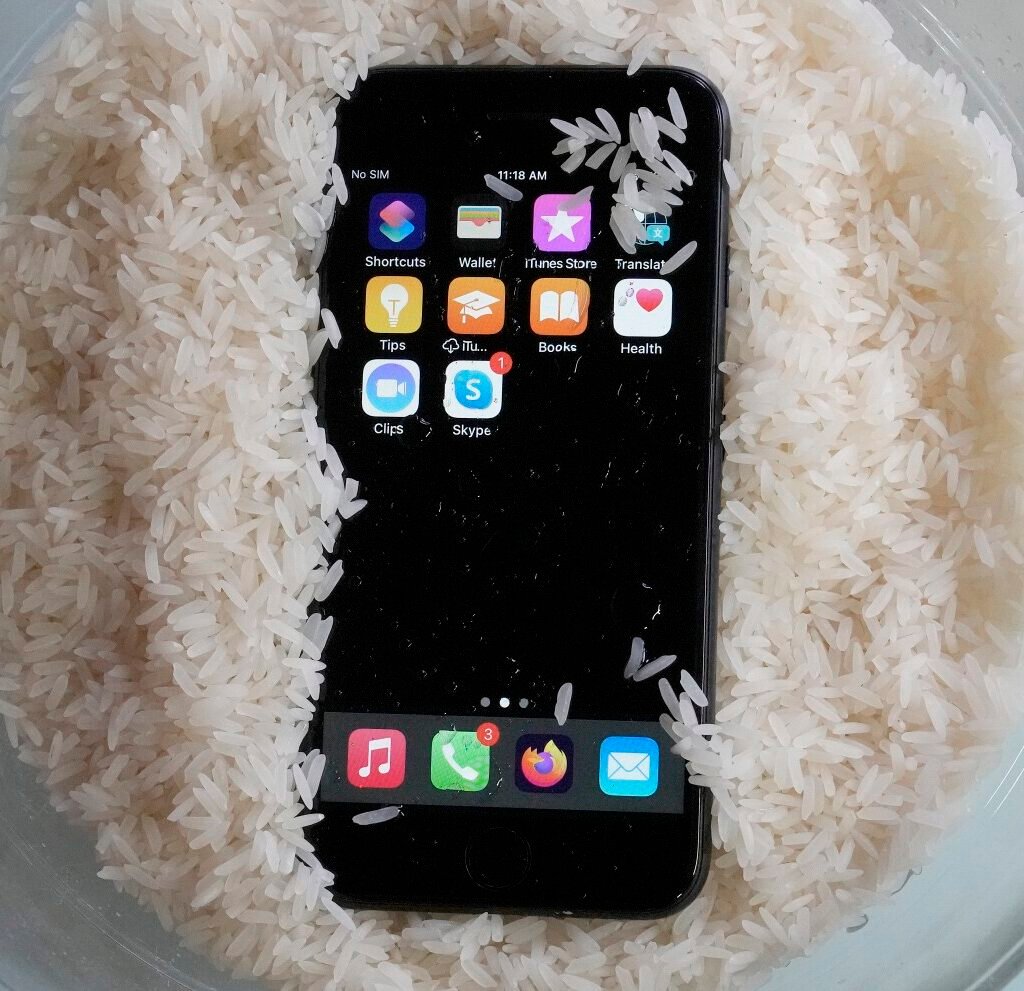
Here are a few mistakes I almost made — and ones you should definitely avoid if your phone ever takes a dive:
- Don’t use a hairdryer or oven. Heat can melt delicate components and seals inside your phone.
- Don’t shake or tap the phone. This can push water deeper into the circuits.
- Don’t plug it in or try to “test” it. Even if it looks fine on the outside, internal moisture can still cause short-circuiting.
- Don’t use rice long-term. It’s better than nothing, but not ideal — think of it as a temporary measure, not a real fix.
What Actually Happened to My Phone
After a week, my phone was mostly functional — the touchscreen worked, the camera was clear, and the apps ran smoothly. But there were lingering side effects:
- The charging port became unreliable, sometimes disconnecting during charging.
- The speaker quality deteriorated, sounding crackly and distorted.
- A faint fog appeared under the camera lens occasionally, showing moisture had been trapped inside.
In short, rice had helped my phone survive, but not fully recover. It was a partial success — enough to buy me time, but not enough to restore it to perfect condition.
Eventually, I took it to a repair shop. The technician confirmed what I suspected: rice doesn’t actually “dry out” the inner components completely. Some corrosion had already started forming on the circuit board.

It was a lesson learned — and one I’ll never forget.
Why Phones Don’t Like Water (Even When They’re “Water-Resistant”)
Many modern phones advertise themselves as water-resistant, but that doesn’t mean waterproof. Most are rated with an IP67 or IP68 certification — meaning they can handle splashes or brief submersion in clean water.
But the real world is messier — sinks, rain, pools, or coffee spills contain minerals, salts, and chemicals that water-resistance coatings can’t always protect against. Over time, these contaminants corrode metal parts and cause hidden damage.
So, even if your phone is “resistant,” it’s best to treat any liquid exposure seriously.
How to Prevent It Next Time
If this experience taught me anything, it’s that prevention is better than desperation. Here are some smart steps I now take to keep my phone safe from future mishaps:
- Use a waterproof case or pouch when near water.
- Keep silica gel packets handy for emergencies.
- Avoid using your phone near sinks, tubs, or pools.
- Invest in cloud backups so you never lose precious data if something goes wrong.
These small habits can save you from the stress (and cost) of dealing with water damage.

Final Thoughts
When I dropped my phone into water, I thought I’d lost it forever. The rice trick — though far from perfect — bought me some time and gave me hope. But through that experience, I learned that real phone rescue is about patience, proper drying, and prevention — not quick fixes.
If you’re ever in the same situation, remember this: don’t panic, don’t plug it in, and don’t rely solely on rice. Dry it properly, use silica gel if possible, and get it checked by a professional if it’s valuable.
Today, my phone still works (mostly), and I’ve since invested in a waterproof case. I still smile when I see that old bag of rice in the pantry — a reminder of the day I learned the hard truth behind one of the internet’s most famous DIY “fixes.”

Leave A Comment